Digital design tools have transformed how tattoo artists create, refine, and present their work. From initial concepts to client-ready presentations, tattoo design software offers capabilities that complement traditional drawing skills.
This guide covers the leading software options for tattoo artists, their strengths and limitations, and how to choose the right tools for your workflow. Note that design software differs from studio management software—this focuses purely on the creative side.
Why Use Digital Design Software?
Benefits for Tattoo Artists
Design refinement:
- Easy corrections and modifications
- Non-destructive editing
- Infinite undo capabilities
- Version history
Client presentations:
- Clean, professional mockups
- Size and placement previews
- Quick revisions during consultations
- Before/after visualisations
Efficiency:
- Faster iterations
- Reusable design elements
- Template creation
- Digital flash organisation
Portfolio building:
- High-quality digital files
- Consistent presentation
- Easy sharing online
- Print-ready formats
Limitations to Consider
Not a replacement for skill:
- Software doesn’t make you an artist
- Traditional drawing fundamentals still matter
- Understanding skin application essential
- Digital doesn’t translate directly to skin
Learning investment:
- Time to learn new software
- Cost of equipment
- Ongoing software subscriptions
- Technical troubleshooting
Hardware Considerations
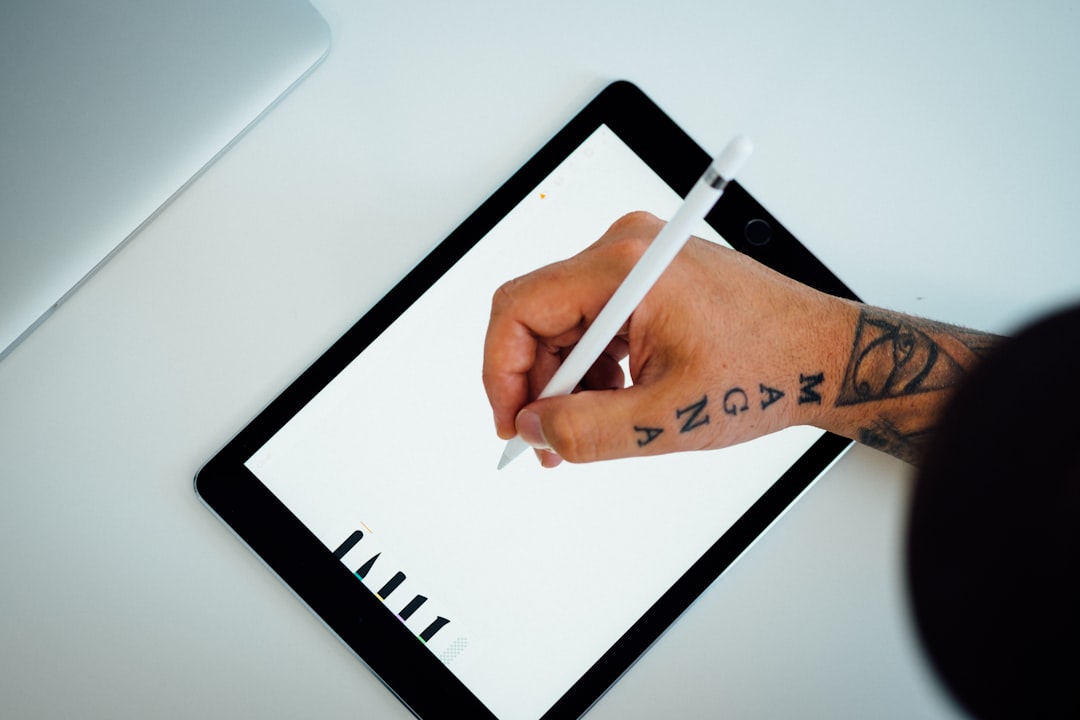
iPad and Apple Pencil
Advantages:
- Portable and convenient
- Natural drawing feel
- Procreate availability
- Client presentation ready
Recommended for:
- Artists working in multiple locations
- Consultation presentations
- Quick sketching and concepting
Models to consider:
- iPad Pro (best performance)
- iPad Air (good balance)
- Standard iPad (budget option)
Graphics Tablets
Drawing tablets (no screen):
- Wacom Intuos series
- XP-Pen Deco
- Huion Inspiroy
Pen displays (with screen):
- Wacom Cintiq
- XP-Pen Artist series
- Huion Kamvas
Advantages:
- Works with desktop software
- Larger work area possible
- More power for complex work
- No separate device needed
Desktop vs. Mobile
| Factor | Desktop | iPad/Mobile |
|---|---|---|
| Power | Higher | Moderate |
| Portability | Low | High |
| Screen size | Larger options | Limited |
| Software options | More extensive | Growing |
| Price | Varies widely | Predictable |
Popular Software Options
Procreate (iPad)
Overview: Industry-leading iPad app beloved by tattoo artists.
Strengths:
- Intuitive interface
- Excellent brush engine
- One-time purchase (no subscription)
- Active artist community
- Regular updates
Features for tattoo artists:
- Symmetry tools for balanced designs
- Custom brush creation
- Layer management
- Export options
- Timelapse recording
Price: £12.99 (one-time)
Best for: Most tattoo artists—versatile, affordable, excellent.
Adobe Photoshop (Desktop/iPad)
Overview: Industry standard for digital image editing.
Strengths:
- Comprehensive feature set
- Industry standard format
- Extensive tutorials available
- Works with photos and designs
- iPad version available
Features for tattoo artists:
- Placement mockups on client photos
- Complex layering
- Advanced colour work
- Photo manipulation
- Print preparation
Price: £20.99/month (Photography plan)
Best for: Complex mockups and photo-based presentations.
Adobe Illustrator (Desktop/iPad)
Overview: Vector graphics software for scalable designs.
Strengths:
- Resolution-independent artwork
- Clean, crisp lines
- Scalable to any size
- Professional standard
Features for tattoo artists:
- Precise linework
- Flash sheet creation
- Resize without quality loss
- Logo and text integration
Price: £20.99/month (single app) or included in Creative Cloud
Best for: Clean linework, flash sheets, scalable designs.
Affinity Designer (Desktop/iPad)
Overview: One-time purchase alternative to Illustrator.
Strengths:
- No subscription required
- Vector and raster in one app
- Professional-quality output
- iPad version available
Features for tattoo artists:
- Vector linework
- Export to multiple formats
- Pen and nodes for precise lines
- Asset library
Price: £69.99 desktop, £21.99 iPad (one-time)
Best for: Those wanting vector capabilities without subscription.
Clip Studio Paint
Overview: Digital art software popular with illustrators.
Strengths:
- Powerful brush engine
- Comic/illustration focused
- One-time purchase option
- Active community
Features for tattoo artists:
- Excellent line smoothing
- Reference image import
- Layer management
- 3D model posing
Price: £42.99 one-time (PRO) or subscription options
Best for: Artists wanting illustration-focused features.
Corel Painter
Overview: Natural media simulation for digital art.
Strengths:
- Realistic brush simulation
- Traditional art feel
- Extensive brush library
- Professional quality
Price: £379 one-time or £19.99/month
Best for: Those wanting traditional media feel digitally.
Inkbox Design App
Overview: Free app specifically for tattoo design.
Strengths:
- Tattoo-specific features
- Placement preview on photos
- Free to use
- Mobile-friendly
Limitations:
- Less powerful than professional software
- Designed for Inkbox temporary tattoos
- Limited advanced features
Best for: Quick placement previews and basic design.
Tattoo-Specific Features to Consider
Placement Preview
Why it matters: Clients want to see how designs will look on their body before committing.
How to achieve:
- Photograph the body area
- Import into design software
- Overlay design with transparency
- Adjust size and placement
- Share for approval
Software supporting this:
- Photoshop (best)
- Procreate (good)
- Affinity Photo (good)
- Inkbox app (basic)
Stencil Preparation
Requirements:
- Convert to suitable format
- Adjust line weight
- Reverse for transfer
- Print at correct size
Workflow tips:
- Keep clean linework layer
- Check contrast for thermal transfer
- Save stencil-specific versions
- Test before client session
Flash Sheet Creation
Design considerations:
- Consistent sizing
- Clean backgrounds
- Pricing information
- Numbering system
Software approach:
- Illustrator/Affinity for layout
- Procreate for individual designs
- Combine in layout software
- Export print-ready PDF
Colour Palette Work
Useful features:
- Colour harmony tools
- Ink simulation
- Skin tone overlays
- Reference image colour picking
Building Your Workflow
Concept to Stencil Workflow
Step 1: Initial concept
- Rough sketching (paper or digital)
- Client brief review
- Reference gathering
Step 2: Digital refinement
- Clean up in Procreate/Photoshop
- Multiple variations
- Sizing considerations
Step 3: Client presentation
- Placement preview on photo
- Size options
- Colour variations if applicable
Step 4: Stencil preparation
- Final design approval
- Stencil-ready conversion
- Print and transfer
Organising Digital Files
File structure example:
Clients/
  [Client Name]/
    Reference/
    Concepts/
    Approved/
    Stencils/
    Final Photos/
Flash/
  [Style Category]/
    Individual designs
    Flash sheets
Naming conventions:
- Date_ClientName_Description
- Consistent format throughout
- Version numbers for iterations
Learning Resources
For Procreate
- Official Procreate handbook
- YouTube tutorials (Bardot Brush, etc.)
- Online courses (Skillshare, Domestika)
- Tattoo-specific tutorials
For Photoshop
- Adobe tutorials
- Phlearn tutorials
- Industry-specific courses
- YouTube channels
For General Digital Art
- Start with fundamentals (drawing basics)
- Learn one software well
- Practice regularly
- Join artist communities
Investment Considerations
Starter Setup
| Item | Option | Cost |
|---|---|---|
| iPad Air | Basic model | £599 |
| Apple Pencil | 2nd gen | £129 |
| Procreate | One-time | £13 |
| Total | £741 |
Professional Setup
| Item | Option | Cost |
|---|---|---|
| iPad Pro | 12.9” | £1,099 |
| Apple Pencil | 2nd gen | £129 |
| Procreate | One-time | £13 |
| Adobe CC | Photography plan/year | £252 |
| Desktop tablet | Optional | £200-1,000 |
| Total | £1,493+ |
Common Mistakes to Avoid
Relying too heavily on digital
- Keep traditional drawing skills sharp
- Digital is a tool, not a crutch
- Understand what works on skin vs. screen
Overcomplicating designs
- Skin has limitations
- Simple often translates better
- Consider aging and healing
Ignoring file organisation
- Losing client files is unprofessional
- Backup regularly
- Cloud storage recommended
Skipping the learning curve
- Invest time in tutorials
- Practice before client work
- Master one software first
Summary
Tattoo design software serves multiple purposes:
- Design creation — Procreate, Clip Studio Paint
- Client mockups — Photoshop, placement apps
- Flash sheets — Illustrator, Affinity Designer
- Stencil preparation — Any with print capabilities
Start with Procreate on iPad for the best balance of capability, portability, and value. Add specialised tools as your workflow demands.
Running a Tattoo Studio?
If you manage a studio, the right software saves hours every week:
- Tattoo Studio Software — bookings, client history, staff management
- Tattoo Booking Software — online booking your clients can use 24/7
- Tattoo Scheduling Software — smart appointment and waitlist management
- Tattoo Booking App — mobile-first booking for on-the-go artists
- Tattoo Artist Software — purpose-built tools for independent artists
Start your free trial and focus more on your art, less on administration.