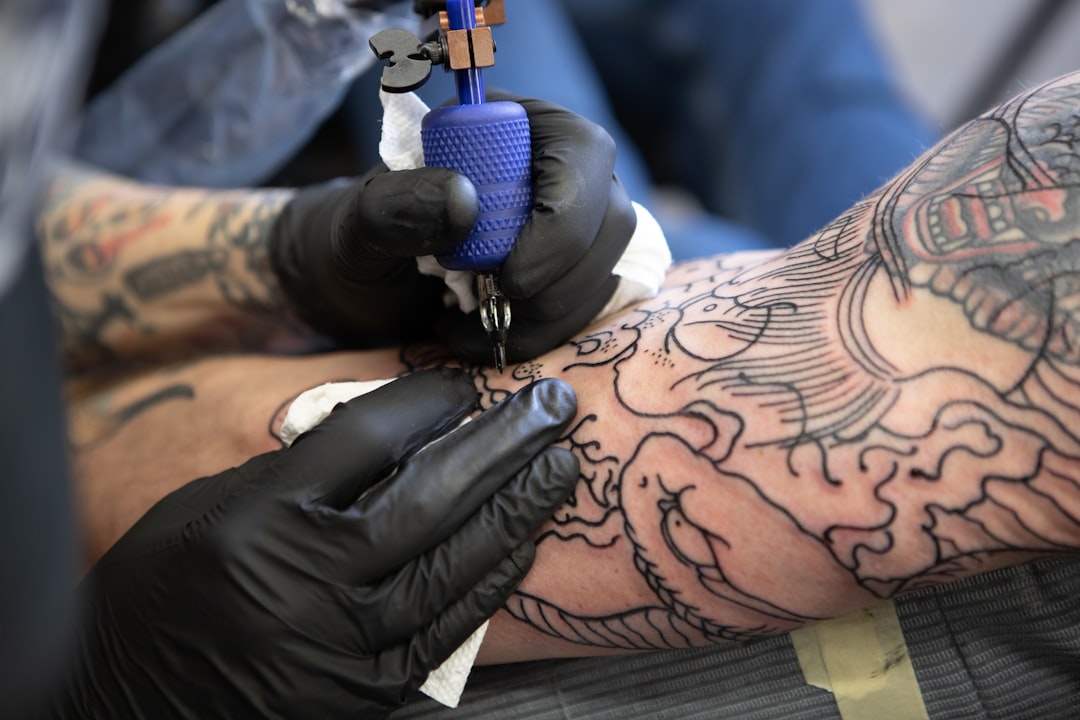
Running a tattoo studio involves far more than creating art. Between managing appointments, tracking clients, handling payments, and staying compliant with health regulations, the administrative burden can overwhelm even the most organized shop owner. That’s where tattoo studio software comes in.
What Is Tattoo Studio Software?
Tattoo studio software is a specialized business management platform designed specifically for the tattoo industry. Unlike generic scheduling tools, it handles the unique requirements of tattoo businesses:
- Multi-hour appointments that span across time slots
- Deposit collection to reduce no-shows
- Digital consent forms with legal compliance
- Reference image storage linked to client profiles
- Artist-specific scheduling for multi-artist shops
Core Features to Look For
Online Booking
Let clients book directly from your Instagram bio or website. Key capabilities:
- Real-time availability display
- Service/artist selection
- Automatic deposit collection
- Instant confirmation via SMS and email
Client Management
Build comprehensive client profiles:
- Contact information and communication history
- Tattoo history with photos
- Reference images for future work
- Health information and allergies
- Consent form history
Digital Consent Forms
Replace paper forms with digital versions that:
- Clients complete before arriving
- Store securely in the cloud
- Link automatically to appointments
- Include timestamped signatures
- Cover health questionnaires and aftercare agreements
Appointment Management
Handle the complexity of tattoo scheduling:
- Drag-and-drop calendar interface
- Multi-hour appointment blocks
- Buffer time between sessions
- Artist availability management
- Walk-in and flash booking support
Payment Processing
Streamline your finances:
- Deposit collection at booking
- Multiple payment methods
- Automatic receipts
- Payment tracking and reporting
Communication
Stay connected with clients:
- Automated appointment reminders
- SMS and email capabilities
- Aftercare instructions delivery
- Marketing messages to past clients
Types of Tattoo Software
All-in-One Platforms
Complete solutions that handle everything:
- Booking, CRM, payments, and communication
- Single monthly fee
- Integrated data across features
- Best for shops wanting one solution
Booking-Only Tools
Focus specifically on appointment scheduling:
- Simpler setup
- Lower cost
- May require separate tools for other needs
- Good for artists just starting out
Generic vs. Tattoo-Specific
Generic tools (Calendly, Acuity, Square):
- Lower cost
- Broader feature set
- Not designed for tattoo industry
- Missing key features like consent forms, reference images
Tattoo-specific tools:
- Built for the industry
- Include consent forms, deposits, reference storage
- Understand multi-hour appointments
- Higher relevance but smaller market
Pricing Models
Flat Monthly Fee
- Predictable costs
- Unlimited bookings
- Best for busy shops
Per-Booking Fee
- Lower base cost
- Charges per appointment
- Can get expensive as you grow
Per-Artist Fee
- Charge per artist on the platform
- Good for solo artists
- Scales with team size
Freemium
- Basic features free
- Premium features cost extra
- Good for testing before committing
Choosing the Right Software
For Solo Artists
Priorities:
- Simple interface
- Mobile-friendly
- Affordable pricing
- Essential features only
For Small Studios (2-5 Artists)
Priorities:
- Multi-artist scheduling
- Shared client database
- Individual artist calendars
- Reasonable per-artist cost
For Large Studios (6+ Artists)
Priorities:
- Advanced permissions
- Reporting and analytics
- Integration capabilities
- Scalable pricing
Implementation Checklist
- Audit current processes: What’s working? What isn’t?
- List must-have features: Deposits? SMS? Consent forms?
- Set budget: Monthly or annual?
- Trial 2-3 options: Use real scenarios
- Get team buy-in: Artists need to use it
- Migrate data: Import existing client info
- Train staff: Ensure everyone knows the system
- Go live: Start with new appointments
Common Mistakes
Choosing based on price alone: The cheapest option often costs more in lost time and missed features.
Ignoring mobile experience: You and your clients live on phones.
Skipping the trial: Real-world testing reveals issues demos hide.
Over-complicating setup: Start simple, add complexity later.
Not requiring deposits: Software without deposit collection is missing the most valuable feature.
ROI of Tattoo Software
Calculate your return:
| Factor | Impact |
|---|---|
| Reduced no-shows | $200-500/month saved |
| Time saved on admin | 5-10 hours/week |
| Faster booking | More appointments booked |
| Professional image | Higher perceived value |
For most studios, software pays for itself within 1-2 months through reduced no-shows alone.
Future Trends
AI-powered features: Automated scheduling optimization, smart reminders, predictive analytics.
Integration expansion: More connections with Instagram, Google, payment platforms.
Mobile-first design: Apps becoming the primary interface over desktop.
Client self-service: More control for clients to manage their own appointments.
Getting Started
- Identify your biggest pain points
- Research 3-4 options that address them
- Sign up for free trials
- Test with real booking scenarios
- Choose and commit
- Train your team
- Iterate and optimize
The right software transforms your studio from chaotic to professional. It’s not just about efficiency—it’s about creating the experience your clients expect and deserve.
Running a Tattoo Studio?
If you manage a studio, the right software saves hours every week:
- Tattoo Studio Software — bookings, client history, staff management
- Tattoo Booking Software — online booking your clients can use 24/7
- Tattoo Scheduling Software — smart appointment and waitlist management
- Tattoo Booking App — mobile-first booking for on-the-go artists
- Tattoo Artist Software — purpose-built tools for independent artists